Fix a missing pet
Check the active workspace, package path, pet.json, filename, permissions, and refresh boundary before reinstalling.
Run the missing-pet checksExplore Codex pets across source-linked galleries and generators, inspect every animation row, validate current 8×11 atlases, and export a transparent data-only package from your browser.
Choose the state you can see now. Each path stays focused on one outcome: diagnose, validate, create, or recover.
Check the active workspace, package path, pet.json, filename, permissions, and refresh boundary before reinstalling.
Run the missing-pet checksA pet can pass file checks and still clip. Separate atlas validity from scale, baseline, and app layout.
Diagnose visible clippingInspect the image locally, confirm dimensions, then preview every action row and look direction before export.
Open the local validatorTurn an original or licensed atlas into a reviewable data-only package without an executable installer.
Open the pet builderCorrect dimensions are the first rendering gate.
The studio recognizes legacy 1536×1872 pets and the current 1536×2288 v2 contract. It inspects the actual spritesheet in browser memory and never uploads the artwork.
The copied brief requests a complete 8×11 v2 workflow with direction QA. This site does not receive a reference image or generate the art remotely.
Load an 8×9 legacy or 8×11 v2 atlas. Nothing is sent to an image server.
The free local validator stays first and requires no sign-in. Companion downloads include a complete, inspectable v2 atlas at 8x11, with no executable installer.
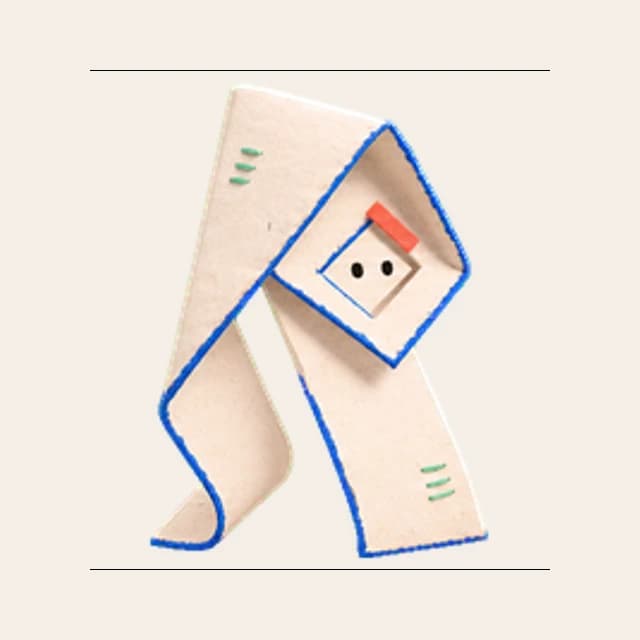 Original v2 atlas
An original v2 Codex pet with nine actions, sixteen reviewed look directions, and a transparent data-only atlas.
Download v2 pet (free) Original v2 atlas
An original v2 Codex pet with nine action rows, sixteen independently reviewed look directions, a transparent 1536×2288 atlas, and a reviewable data-only package.
Download v2 pet (free)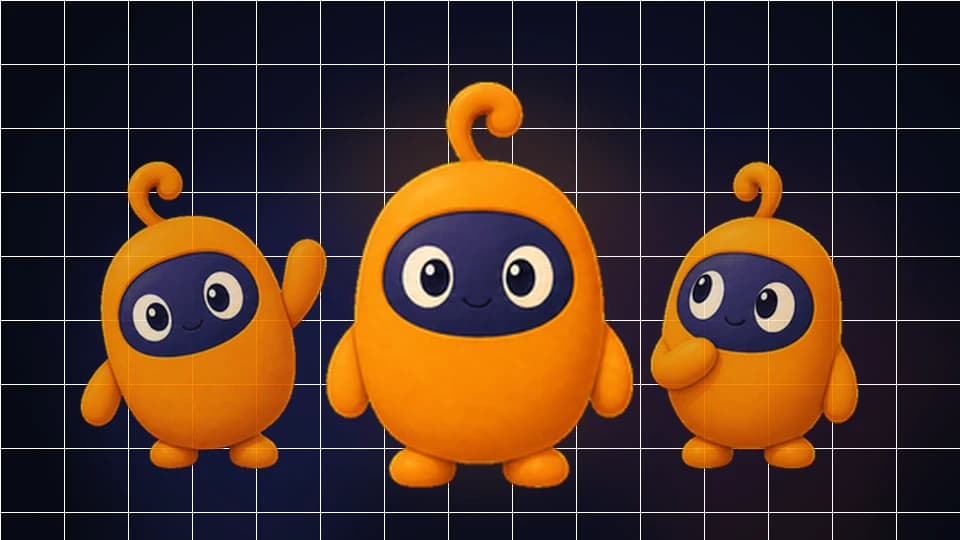 Original v2 atlas
An original v2 Codex pet with nine action rows, sixteen look directions, a transparent 1536×2288 atlas, and a reviewable data-only package.
Download v2 pet (free)These are our own AI-generated concept works, made with Grok Imagine, and the starting points for future complete v2 motion sets. They are shown for discovery and feedback, never mislabeled as installable or saleable Pet packages.
A sleepy moth librarian, furnace-pack speedrunner, and three-tailed quest router bring distinct silhouettes and motion ideas to the original lab. Browse the category pages above for the complete collection. A concept joins the free pet downloads only after its full 1536×2288 v2 atlas, motion previews, direction checks, and independent visual QA pass.
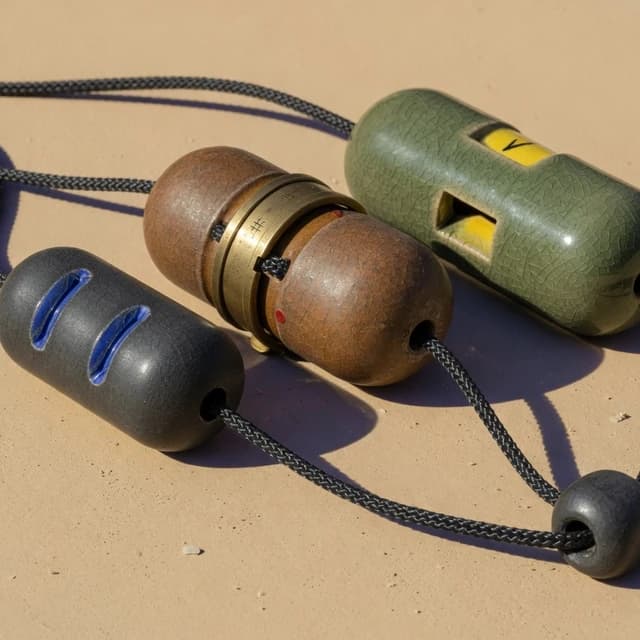 Original concept
A low ceramic bead-chain body gives Queuebit distributed expression, cord-driven motion, and a memorable topology without humanoid robot shorthand.
Model not independently verified. This is concept artwork, not an installable or saleable Pet package yet.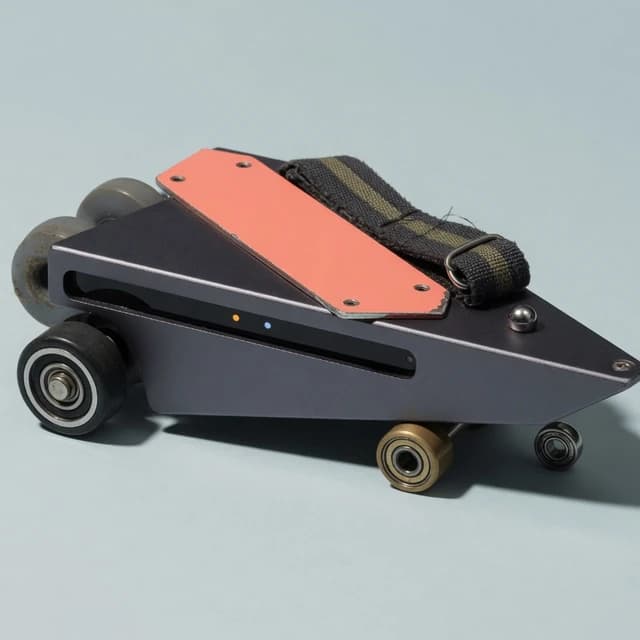 Original concept
An asymmetrical anodized wedge, narrow sensor-light slot, coral enamel panel, woven pull strap, and four exposed roller bearings give Skitter Tab speed without copying a cursor or browser control.
Model not independently verified. This is concept artwork, not an installable or saleable Pet package yet.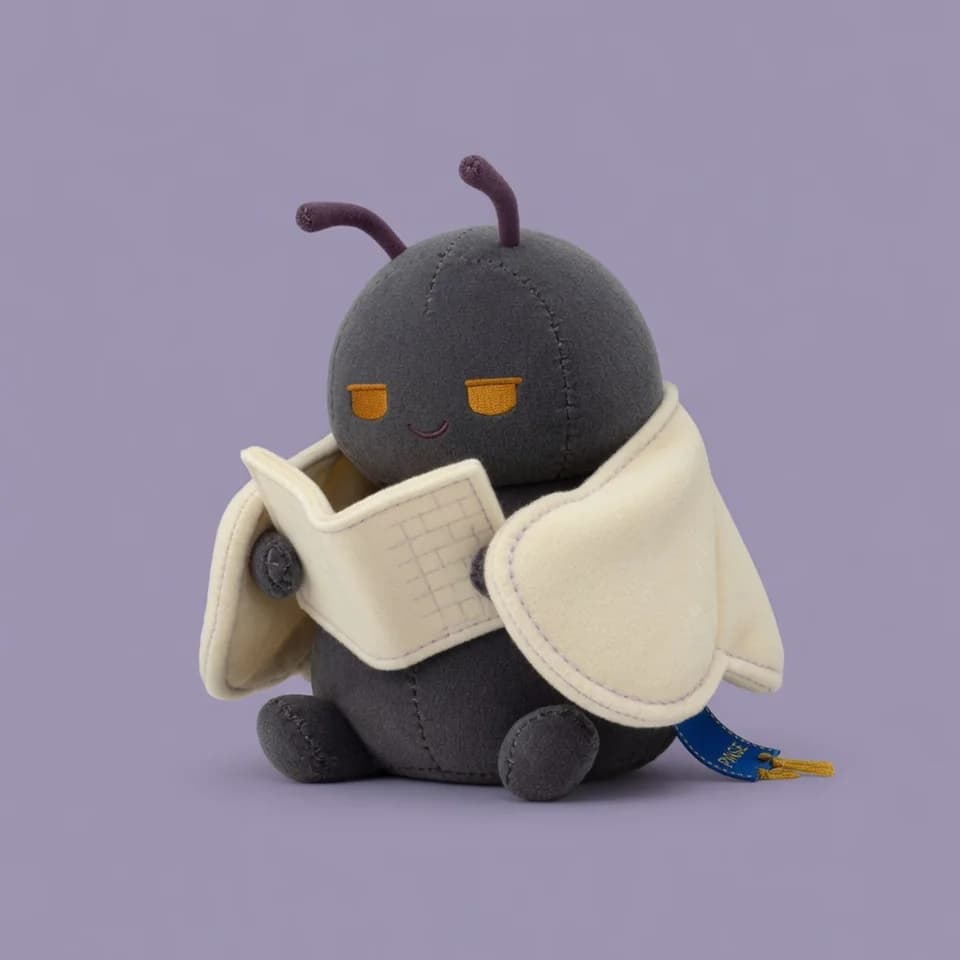 Original concept
An original charcoal-and-cream felt mascot with a wing-cloak, amber eyes, plum antennae, and a compact silhouette designed for calm breathing, tucking, waving, hopping, and review motion.
Model not independently verified. This is concept artwork, not an installable or saleable Pet package yet.These products cover different parts of Codex pet discovery, generation, validation, installation, and publishing. Compare their real capabilities, then open the original source; this directory copies no artwork and does not treat a listing as a license.
Large community catalog with install, diagnostics, OAuth submission, collections, and creator profiles.
Gallery with motion previews, checksums, manual packages, one-line commands, requests, and submissions.
Searchable pet gallery with install commands and an authenticated folder-submission flow.
Creation briefs, a public spritesheet previewer, gallery pages, package downloads, and install education.
Text-or-image generator with style choices, action preview, community publishing, and command install.
Paid generation-code model with reference upload, motion checks, ZIP delivery, and retry restoration.
Animated gallery pages with state previews, direct files, manifests, sharing, and install commands.
Community pets, uploads, collections, and an open creator workflow for Codex-compatible companions.
Local-first desktop companion with plugins, optional MCP tools, agent reactions, and a native overlay.
Multi-agent desktop status pet with managed themes, permission bubbles, and Codex Pet ZIP import.
A valid v2 atlas is 1536×2288 pixels. Rows 0–8 contain eight frames for idle, running, waving, jumping, failure, waiting, working, and review states. Rows 9–10 add sixteen clockwise look directions, while pet.json declares spriteVersionNumber: 2. A correctly sized file can still look wrong, so format validation is only the first gate.
Keep pet.json and one named spritesheet at the package root. The local export adds a readable README and validation report; it contains no installer, shell script, tracking code, or hidden executable.
Check scale, movement, baseline, clipping, identity, transparent edges, action meaning, and all sixteen directions—not only the idle frame shown in a gallery card.
Use original or licensed art, identify the creator and public source, state the atlas version and platform evidence, and keep a clear copyright takedown path visible.
Move from a source or local file to a trustworthy result. Community discovery is moderated and source-linked, and every listing remains a reference—not a claim of ownership, compatibility, or endorsement.
Open the focused local validator, inspect v1 or v2 motion, and export a transparent data-only package without creating an account.
02Share creator, license, format, preview, and public repository evidence so visitors can evaluate the original source before reuse.
03Understand the 8×11 motion contract, file naming, manifest fields, and visual QA checks before generating or drawing frames.
04Diagnose manifest values, exact dimensions, package path, permissions, app refresh, platform differences, and WSL boundaries.
Review source, rights, format, motion, platform evidence, and the installation boundary—not only the gallery preview.
Open the creator’s original source and verify the creator, packager, and license. A public download, gallery listing, or AI-generated label does not grant redistribution or commercial rights. Treat recognizable characters, people, mascots, game assets, and logos as separate rights risks. Prefer original or explicitly licensed work, preserve attribution, and use the copyright contact for review or removal.
Match atlas dimensions to the manifest version, verify the filename, and look for current platform evidence. A v2 claim needs a 1536×2288 file, version 2 metadata, and inspectable cells; a legacy 8×9 atlas lacks the two look-direction rows.
Play all nine action rows and inspect the sixteen look directions individually. Watch for feet sliding across the baseline, frames jumping in scale, clipped ears or effects, opaque edge pixels, inconsistent lighting, mirrored text, and actions that do not match their semantic state. Codex pets are small in the interface, so a detailed illustration can become noisy or unreadable even when the source image looks polished at full size.
Spritesheets and pet.json are data; installers, CLIs, shell commands, and desktop runtimes can execute code. Review those layers separately, inspect commands, avoid mystery repackaging, and keep a removal path. This site validates local data but does not certify third-party executables or every Codex update.
Short answers for discovering, creating, validating, and troubleshooting animated companions without hiding the source or installation boundary.
Codex pets are animated companions displayed in the Codex desktop workspace. A pet package normally contains a spritesheet and pet.json metadata. Current v2 atlases use eight columns and eleven rows: nine action rows plus two rows covering sixteen look directions.
Use the source-linked directory on this page to compare Codex pet galleries, generators, studios, CLIs, and runtimes. Open the original listing before downloading, check its author and license, and do not assume that a familiar character is cleared for commercial reuse.
Yes. Load an original PNG or WebP atlas into the local studio, inspect dimensions and transparency, import or edit pet.json details, preview every action and look direction, and export a data-only ZIP. The selected artwork stays in browser memory and is not uploaded by the builder.
Start with the exact atlas dimensions, package root, spritesheet filename, pet.json fields, file permissions, and the current platform path. Windows, macOS, and WSL boundaries can differ. Use the troubleshooting guide before reinstalling or replacing files from an unknown package.